Logo





The zip also has stacked, black and white versions, and PNGs of every file.
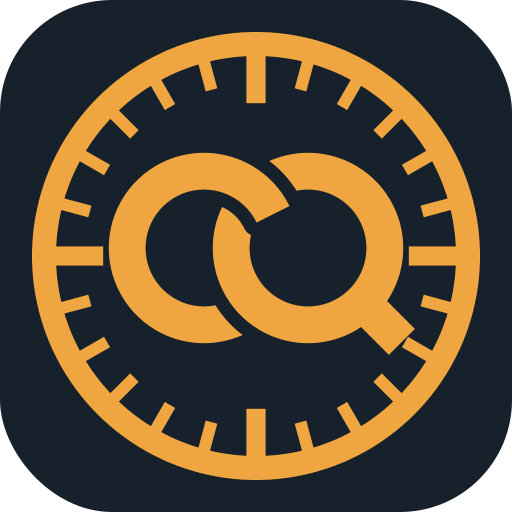
The mark is a C and a Q linked like chain links, set inside a measuring wheel with station ticks: the two halves of the name, measured. Below 32 px use the small mark, the linked letters on their own.
Using the logo
Do
- Leave clear space around the logo at least as tall as the mark's top handle.
- Use the primary logo on white or light backgrounds and the reverse logo on dark ones.
- Keep the logo at least 120 px (1 in.) wide. Below 32 px, use the small mark instead of the full one.
- Write the name CivilQuick, one word with a capital C and Q; the product is CivilQuick Takeoff.
Don't
- Stretch, rotate or redraw the logo, or set the name in another typeface.
- Recolor it outside the brand colors, or add outlines, shadows or effects.
- Place it on busy photos or low-contrast colors.
- Write Civil Quick, Civilquick or CIVILQUICK in running text.
Colors
#C26A00Primary, buttons, the mark
#F0A640Brand color on dark
#17212CText, dark backgrounds
#EEF1F4Page background
#5A6674Secondary text
Type
All three are free under the SIL Open Font License from Google Fonts.
Boilerplate
Short. CivilQuick Takeoff turns vector PDF plan sets into pay item quantities in minutes.
Long. CivilQuick Takeoff is AI quantity takeoff software built for heavy civil contractors. Upload a vector PDF plan set and it finds the plan sheets, reads the legends and scales, and measures pavement, curb and gutter, sidewalk, striping, guardrail, drainage, water, sewer, erosion control and more, organized by pay item. Every quantity is linked back to the linework it came from so estimators can check and correct it before bid day. CivilQuick is in development; sign up at civilquick.com to hear when it launches.